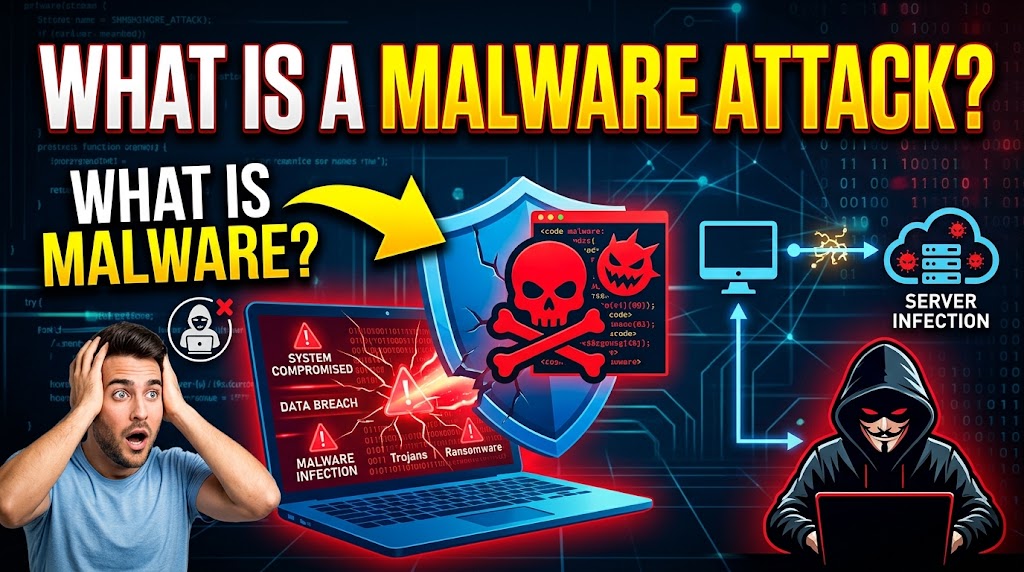
Imagine opening an email, clicking a link or downloading a file, only to discover that your computer has become slow, your files are inaccessible or your personal information has been compromised. These could be signs of a malware attack.
Malware is short for malicious software, programs designed to damage devices, steal information, disrupt operations or gain unauthorized access to computer systems. Both businesses and individuals can become targets, making cybersecurity awareness essential in today’s digital world.
Common Types of Malware
Here are four common types everyone should understand:
- Viruses: Malicious programs that can spread by infecting files or software.
- Ransomware: Malware that locks or encrypts files and demands payment for their release.
- Spyware: Software designed to secretly monitor activity or collect information.
- Trojans: Malicious programs disguised as legitimate software or files.
How Do Malware Attacks Happen?
Malware can enter a device through suspicious email attachments, fake websites, infected downloads, compromised USB drives, outdated software or unsafe applications. Sometimes, a single careless click can expose an entire organization to serious risks.
Here are warning signs of a malware infection you need to know and pay attention to:
- Unusual device slowness or frequent crashes.
- Unexpected pop-ups or unfamiliar applications.
- Files that suddenly become inaccessible.
- Unrecognized activity on your accounts.
- Security software being disabled unexpectedly.
These signs do not always mean malware is present, but they should not be ignored.
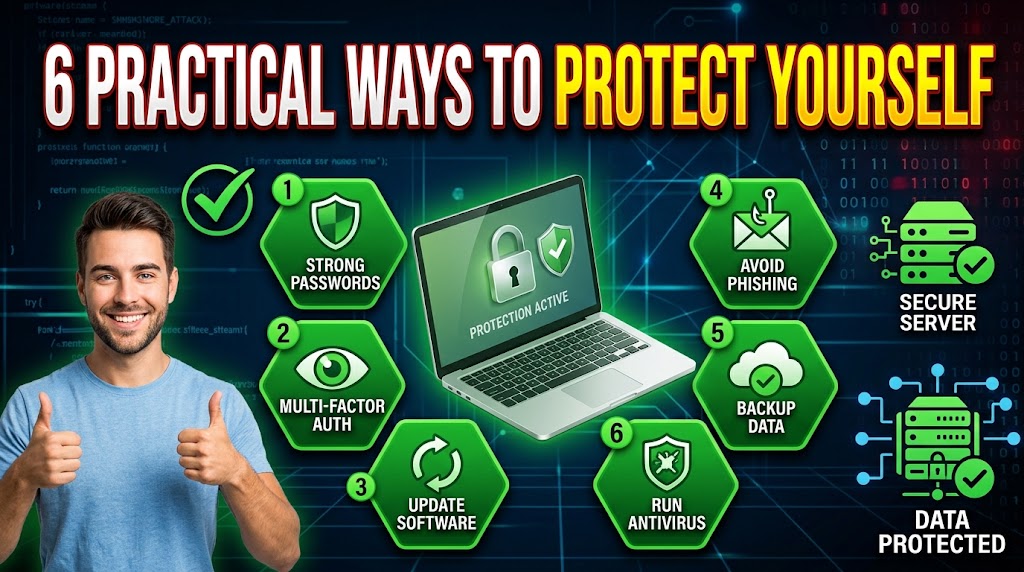
6 Practical Ways to Protect Yourself
1. Avoid suspicious links: Verify unexpected emails, messages and attachments before opening them.
2. Update your software: Keep your operating system, applications and security tools updated.
3. Use reputable security software: Install trusted anti-malware protection and keep it active.
4. Back up important files: Maintain regular backups in a secure location, separate from your everyday devices.
5. Protect your accounts: Use strong, unique passwords and enable multi-factor authentication wherever possible.
6. Train your employees: Businesses should educate staff on phishing, suspicious downloads, safe browsing and responsible handling of company information.
What Should You Do If You Suspect a Malware Attack?
If you suspect a device is infected, disconnect it from the network where appropriate to limit potential spread. Avoid entering passwords or accessing sensitive accounts from the affected device.
Contact your IT or cybersecurity support team, follow established incident-response procedures and use trusted security tools to investigate and remove the threat. If business information may have been exposed, secure affected accounts and review your backup and recovery arrangements.
It important to know that Malware attacks can cause financial losses, expose confidential information and interrupt business operations.
However, good digital habits, regular updates, secure backups and employee awareness can significantly reduce the risk.
Cybersecurity starts with awareness, but effective protection requires consistent action.
We recognize the importance of a comprehensive approach to security, for information about our security services and how we can help strengthen your organization’s wider security arrangements, contact us via: 08126280813
Your security is our priority.
By Tschabylink Nigeria Limited | Cyber Security Insights
Edited by: Agbolade Joshua.O AIIPS,CSPC,CSPM,APRCMI-UK